
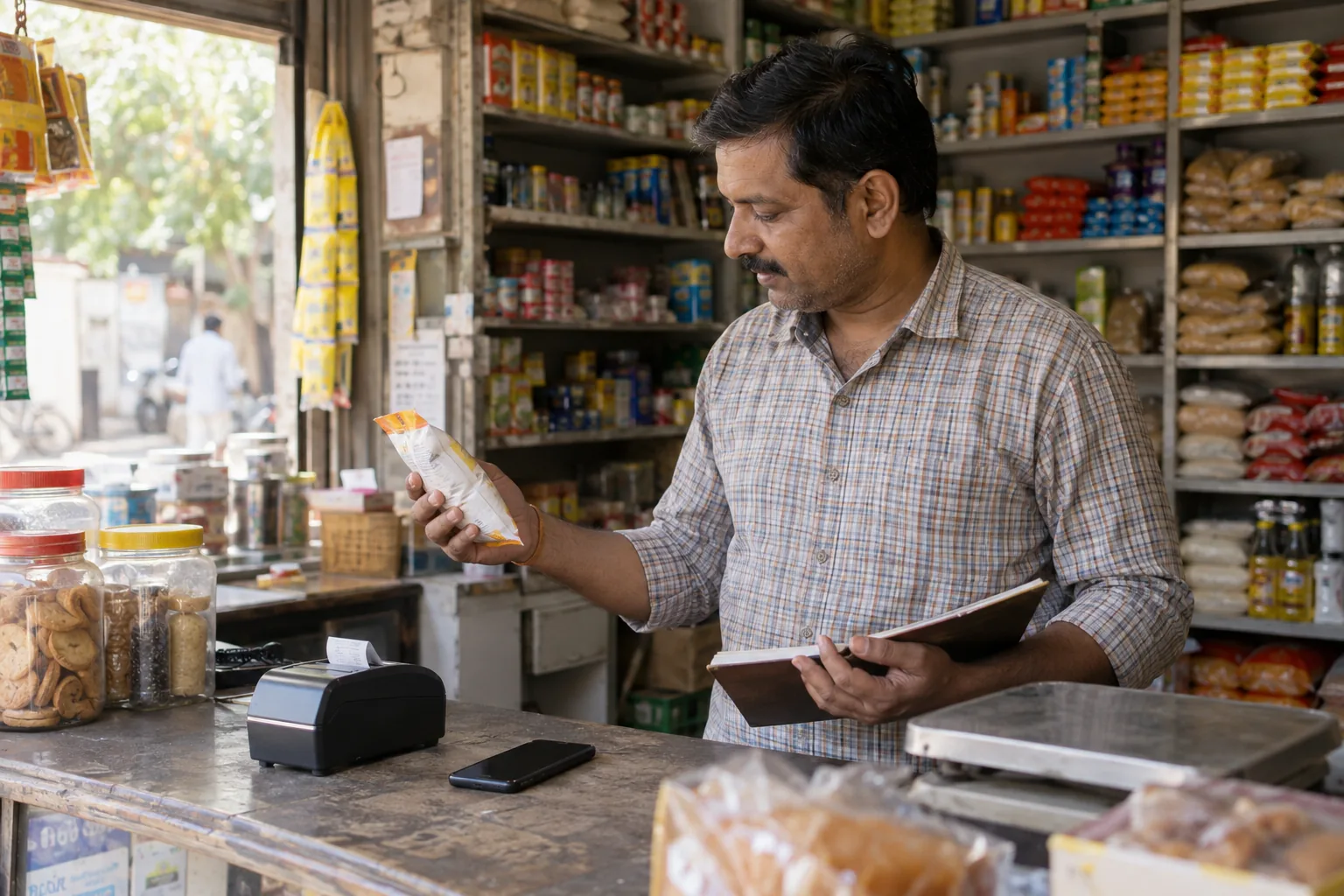
Start with the counter, not the feature list
The right billing system is the one your team can use while a customer is waiting. Before comparing dashboards, write down what actually happens at your counter: how items are found, whether prices change, how discounts are approved, which receipt size you use and what happens when the internet is unavailable.
A long feature list is not useful if creating an ordinary bill takes too many taps. Test the main sale flow on the same phone, tablet or computer that will be used in the business.
The essentials to test
Use a real sample catalog and complete several normal sales before committing.
- Fast product search and simple custom-item entry
- Clear quantity, price, tax and discount controls
- Receipts that fit your 58 mm or 80 mm printer
- Offline operation or a clearly explained outage workflow
- Export, backup and account recovery options
- Separate access for owners, managers and billing staff
Understand where your data lives
Ask whether sales and product data stays only on the device, syncs to a cloud account, or supports both. Local-first software can keep the counter moving during weak connectivity, but device-only data needs regular exports. Cloud sync makes recovery and multi-device access easier, but you should know what requires an account.
Run one full-day trial
Create opening stock, make cash and discounted bills, correct one mistake, reconnect the printer and review the day’s sales. A realistic trial reveals more than a polished demo. Counterly lets a business start locally and create an account when cloud sync and team access are needed.